How to apply for additional joint-use companies
Customers who own HULFT Family products and have a contract for the "Technical Support Service" can add more joint-use companies.
Application procedure flow
Customer STEP 1: Check the usage status change quick reference chart to see if any additional costs will be incurred due to the addition of joint-use companies.
- If there are any additional costs, please contact your reseller.
Customer STEP 2: Please fill out the application form for adding the number of joint-use companies and send it to the application desk.
»Download the application form for adding joint-use companies here
- If additional costs are incurred, please submit a quote along with your order.
Saison Technology STEP 3: You will receive the following items from Saison Technology.
- ID notification email
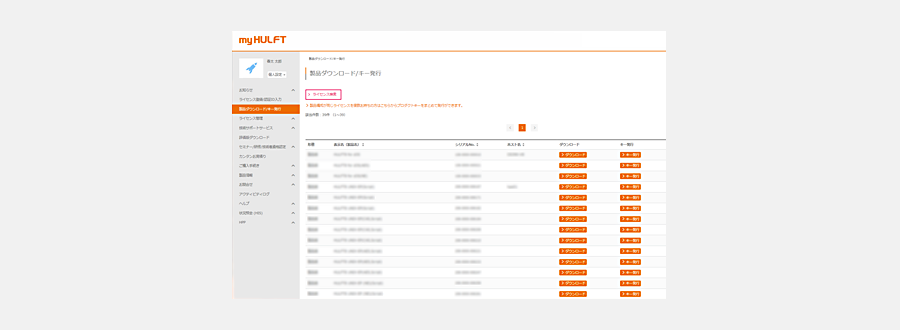
Customer Step 4: Log in to "my HULFT" using the ID notification email you received.
Customer STEP 5: From the "my HULFT" license management page, please check the number of companies using the product and the "Serial No." of the applicable product.